← HomeNinjaTrader 8
Order flow, volume and gamma structure. Directly on your charts.
Included with EliteAll NinjaTrader 8 indicators presented on this page are included in the Elite plan.View Elite plan →
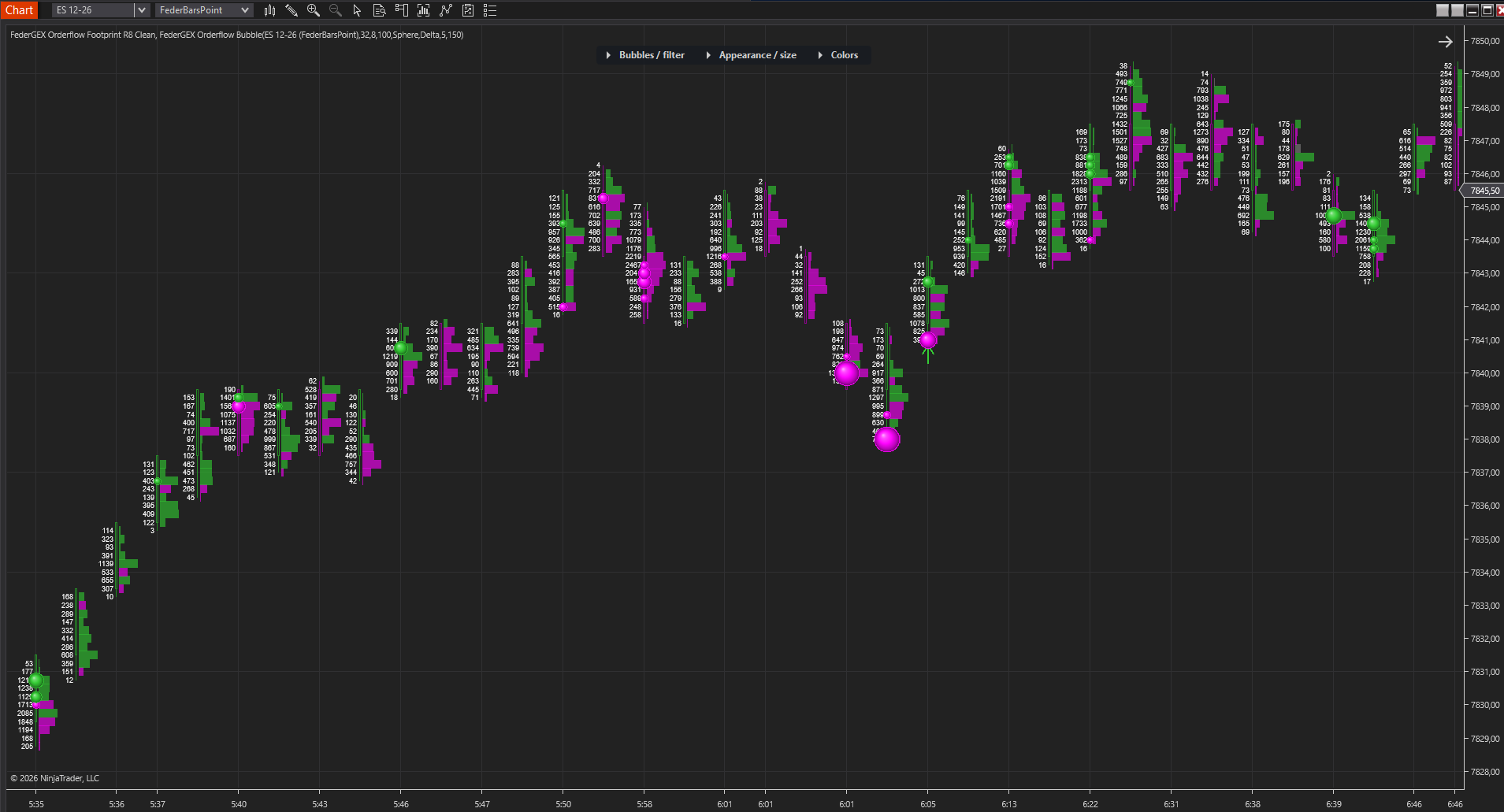
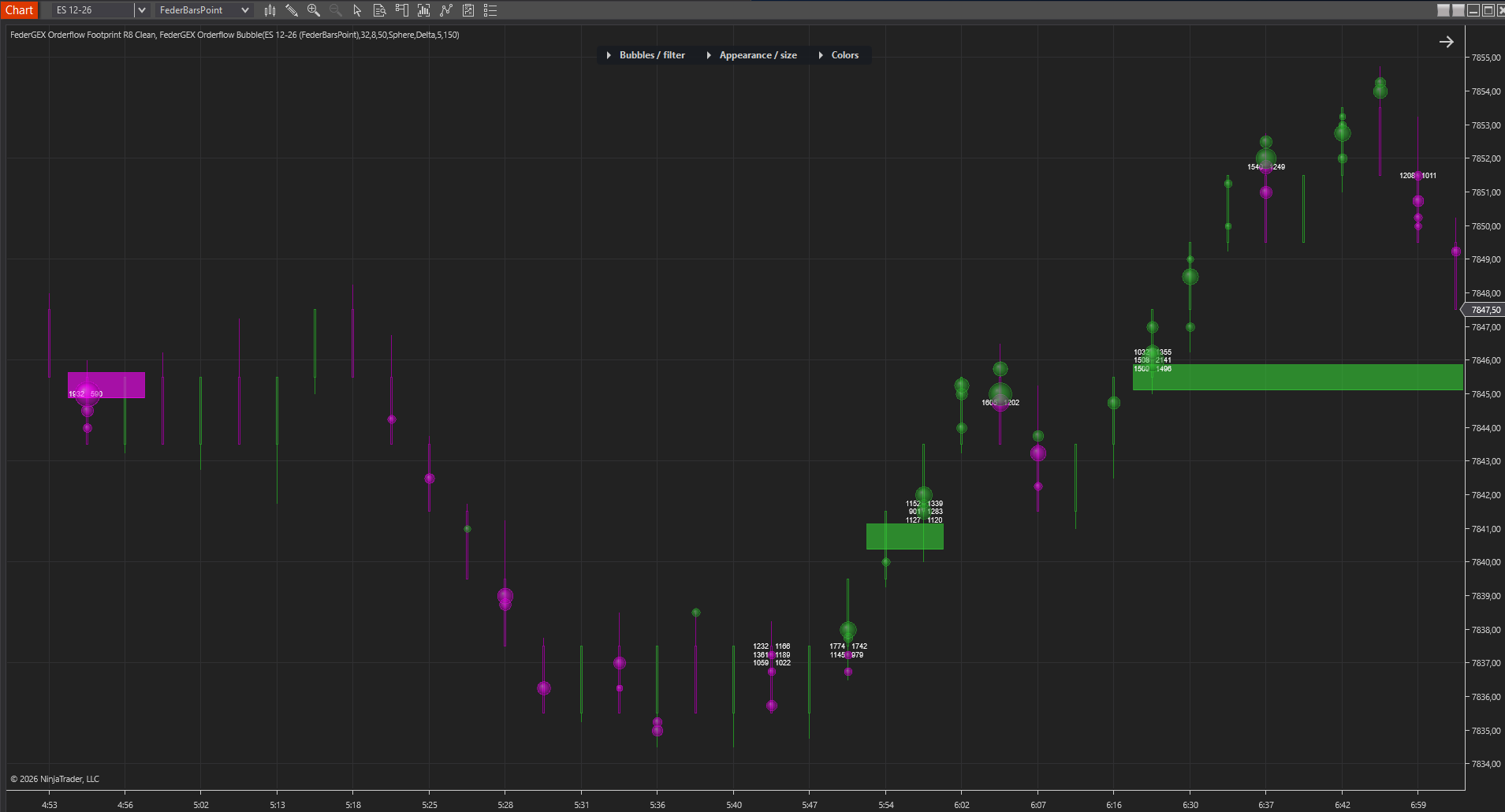
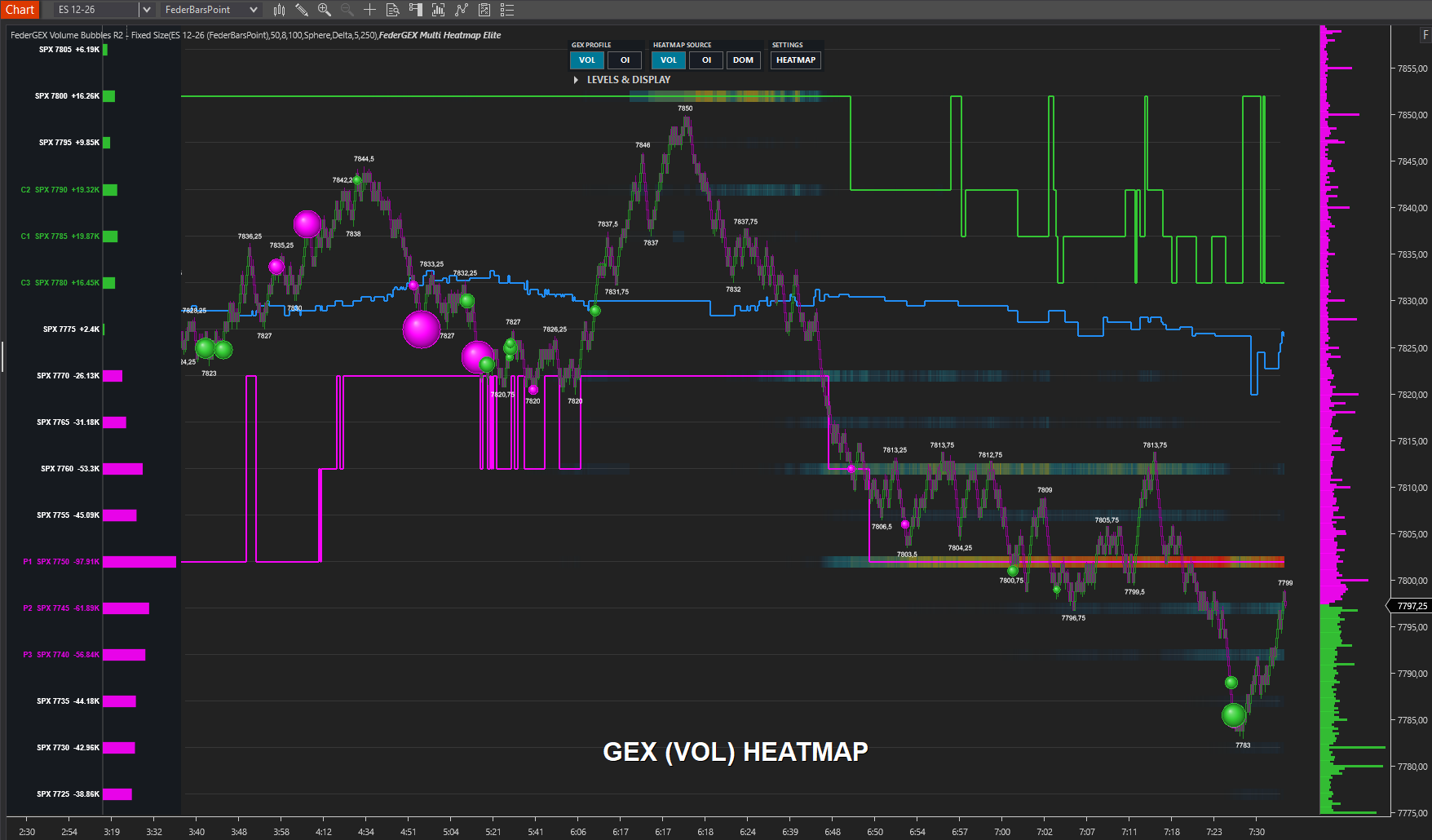
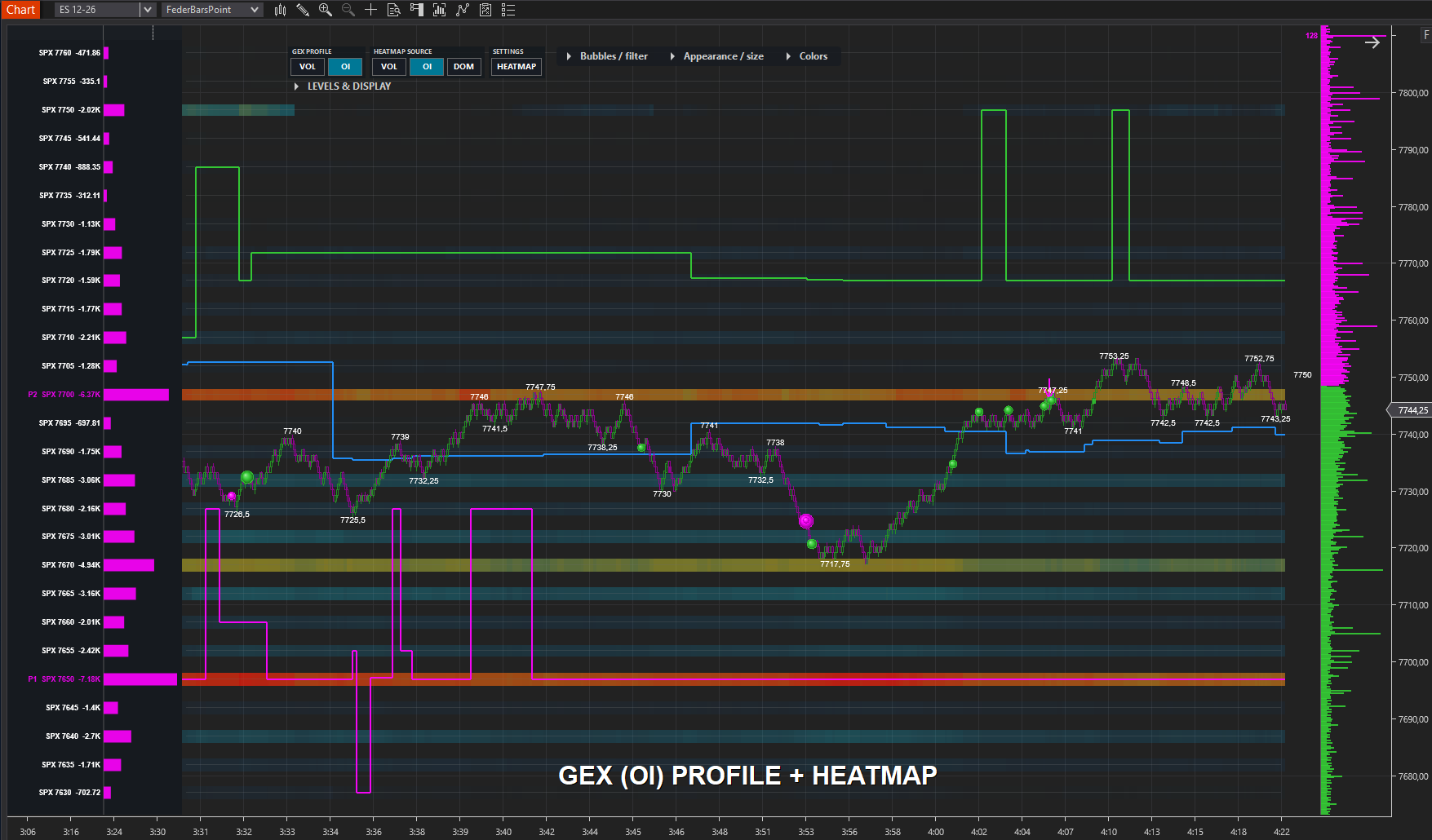
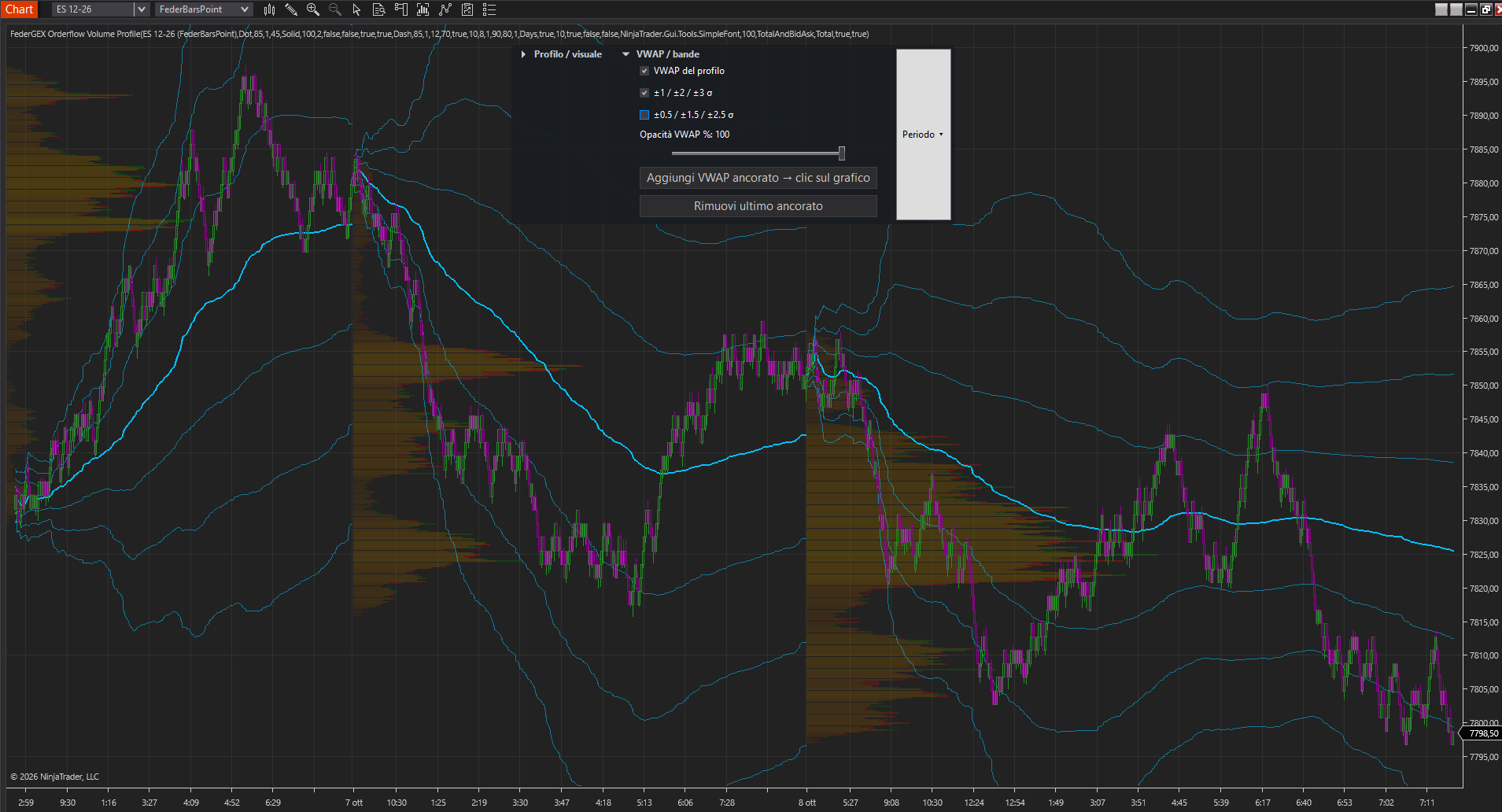
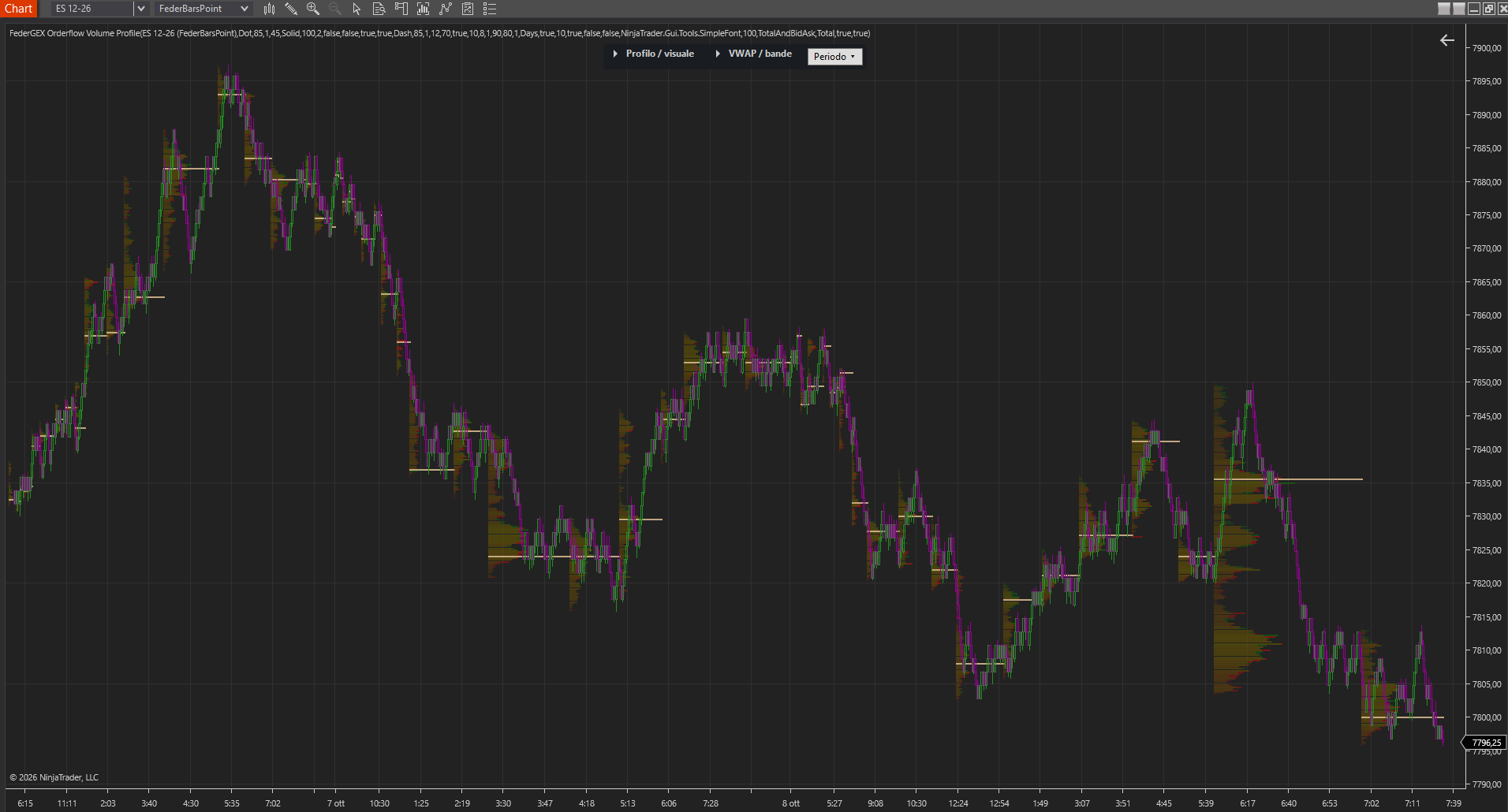
Order flow tools
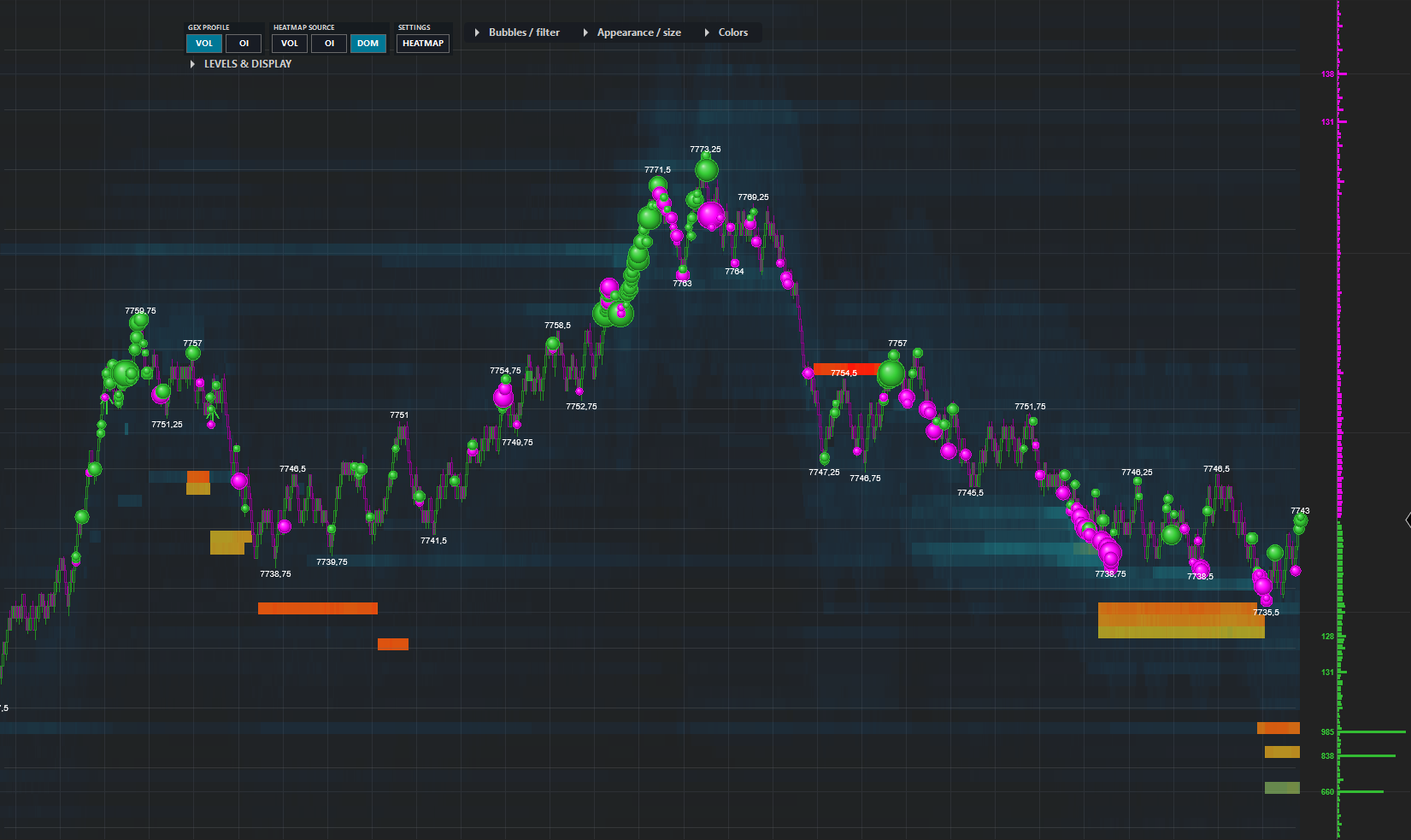
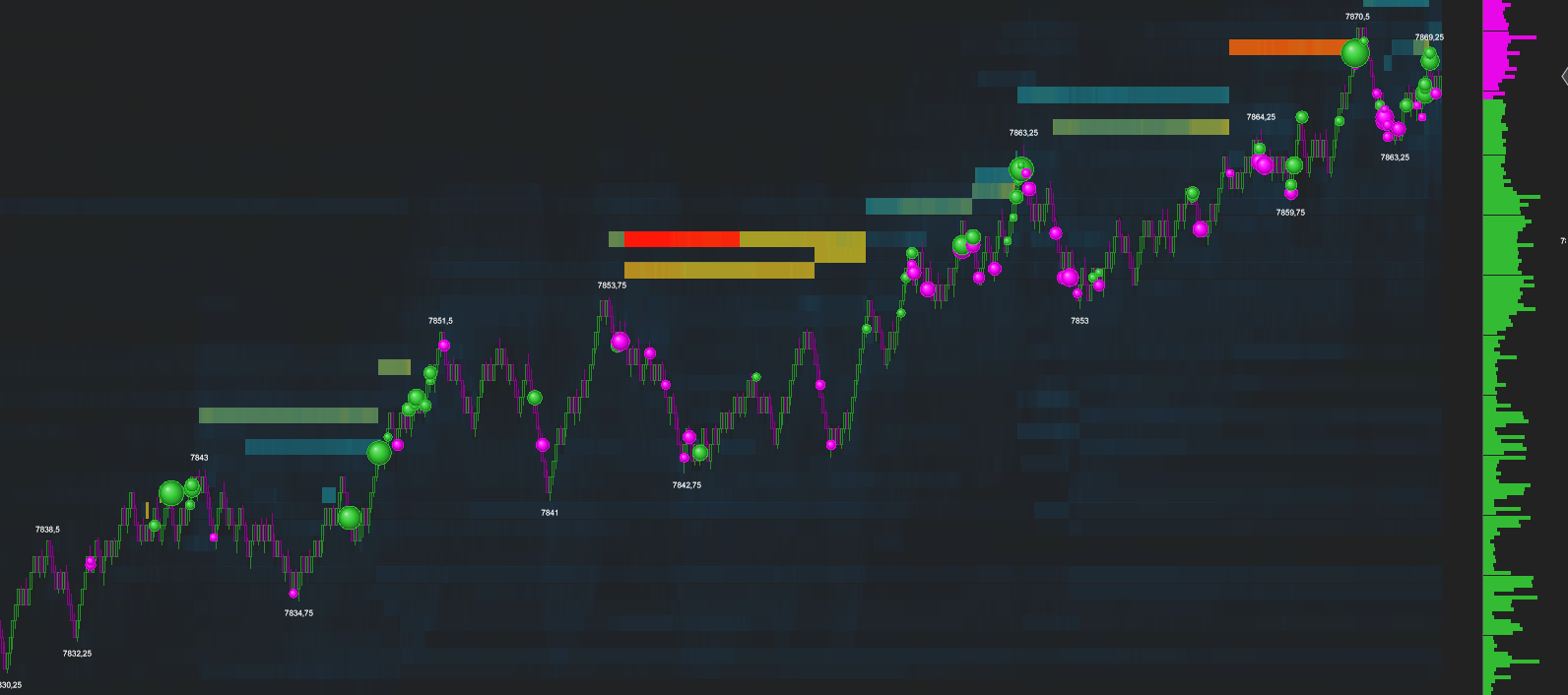
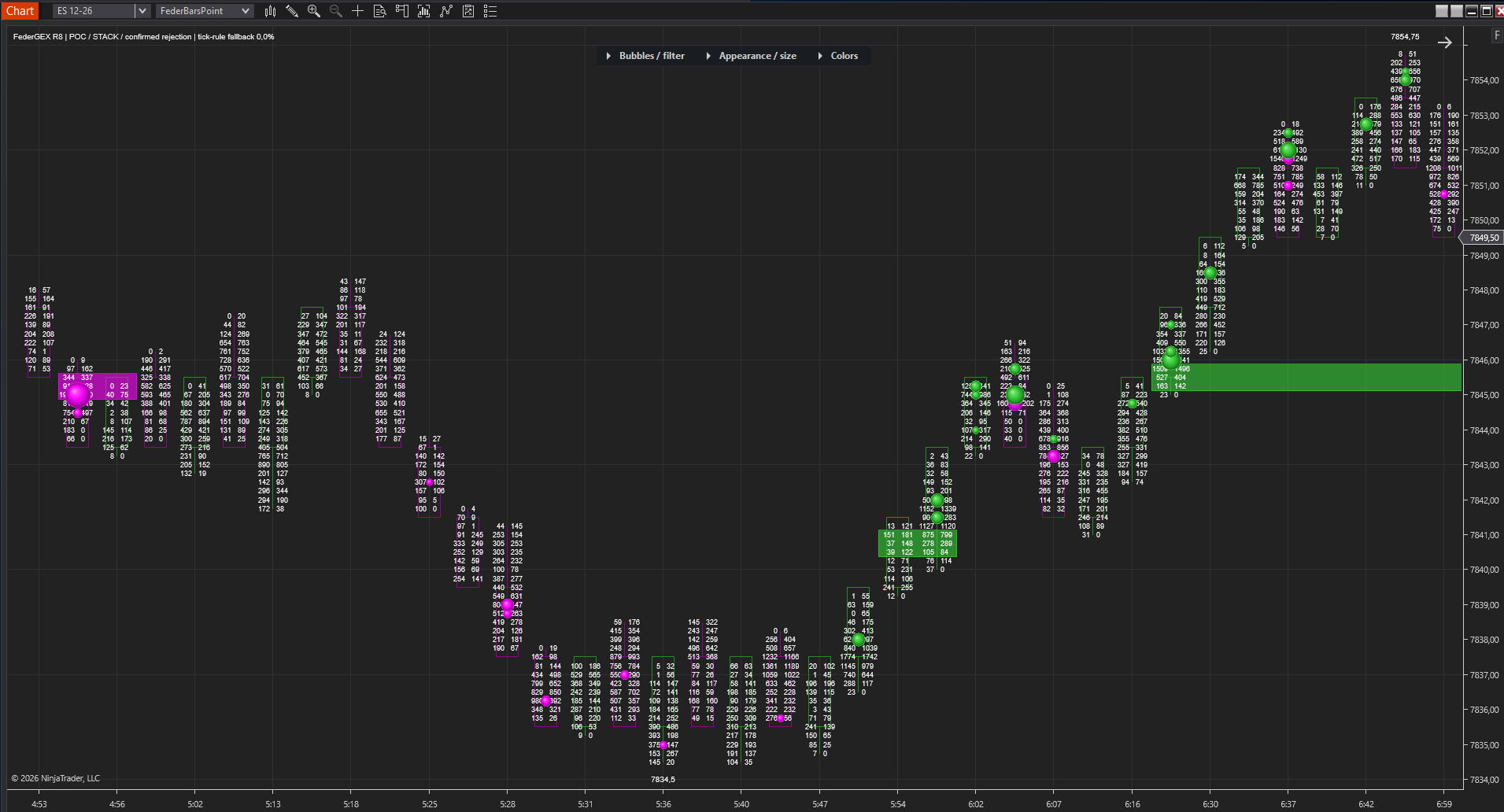
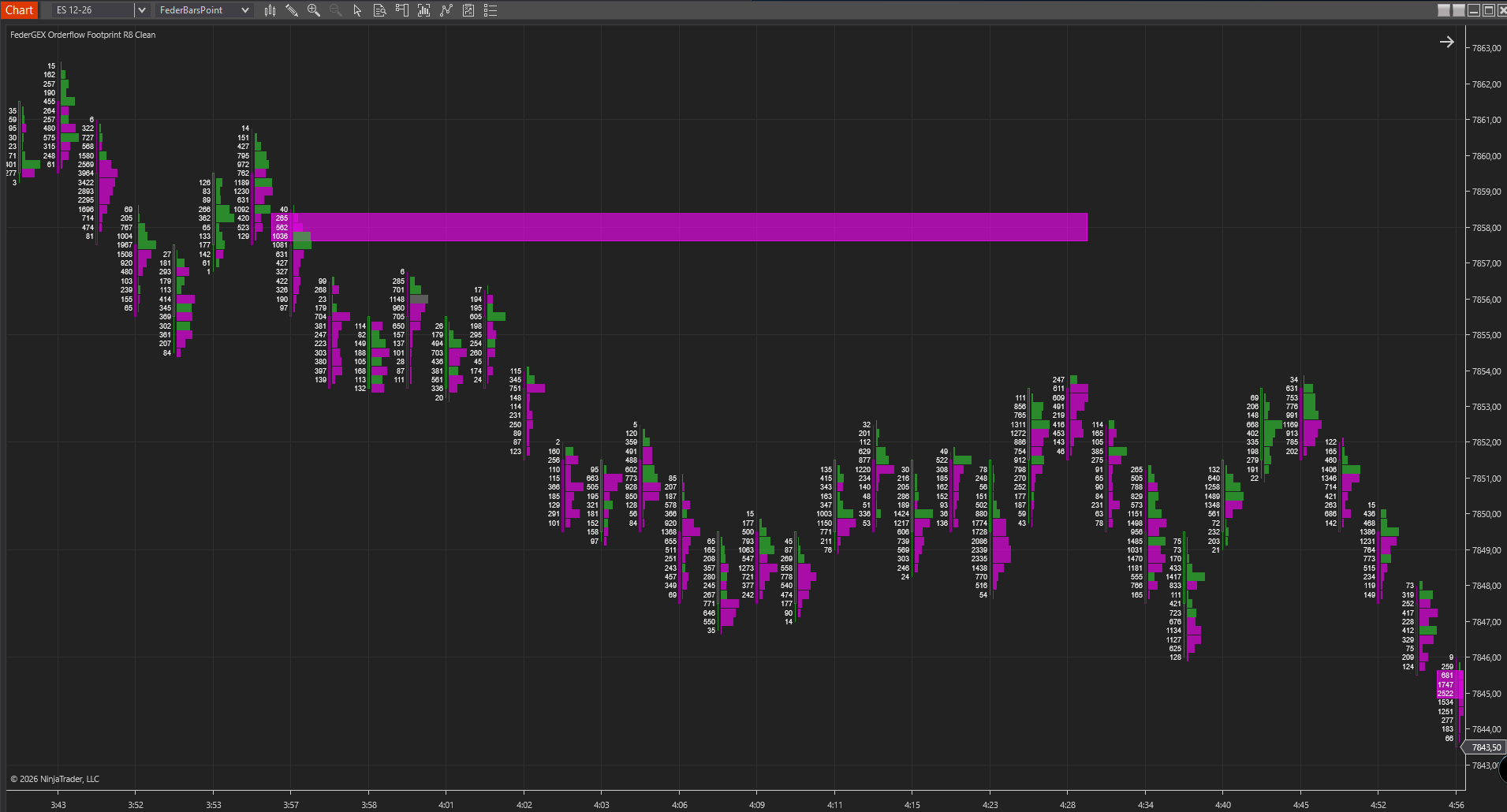
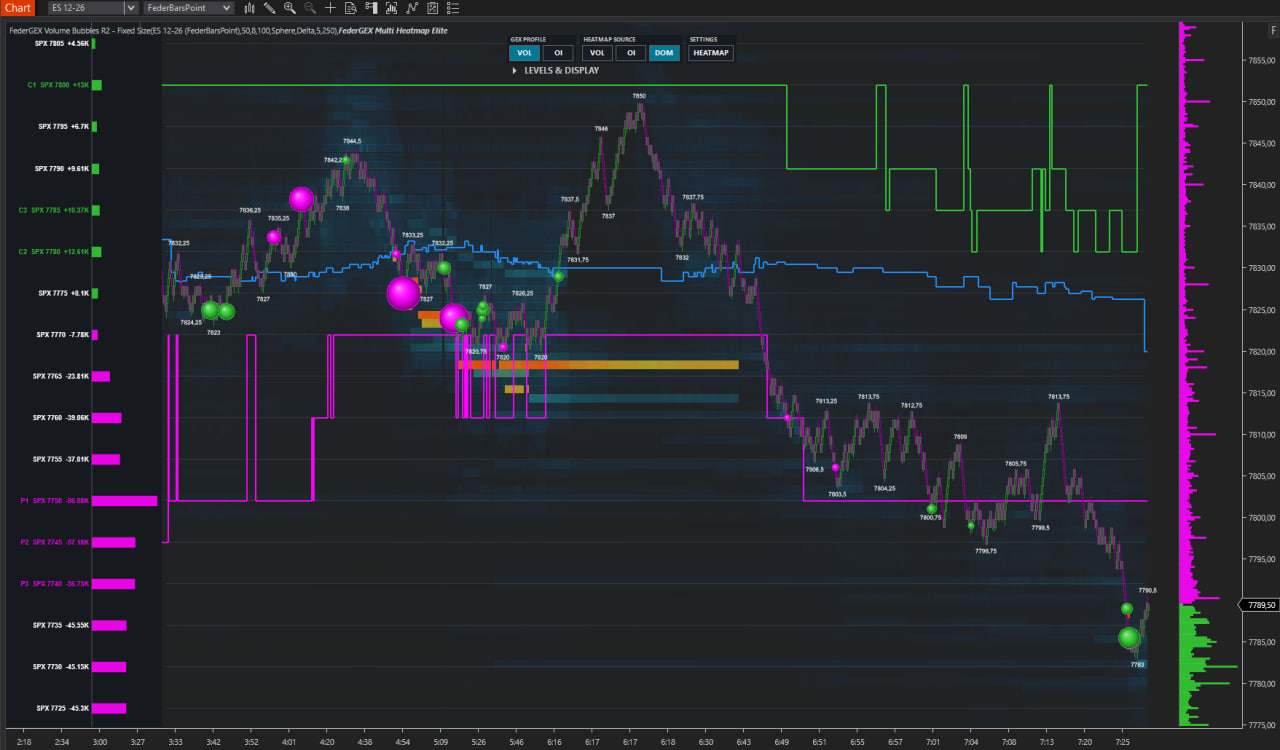
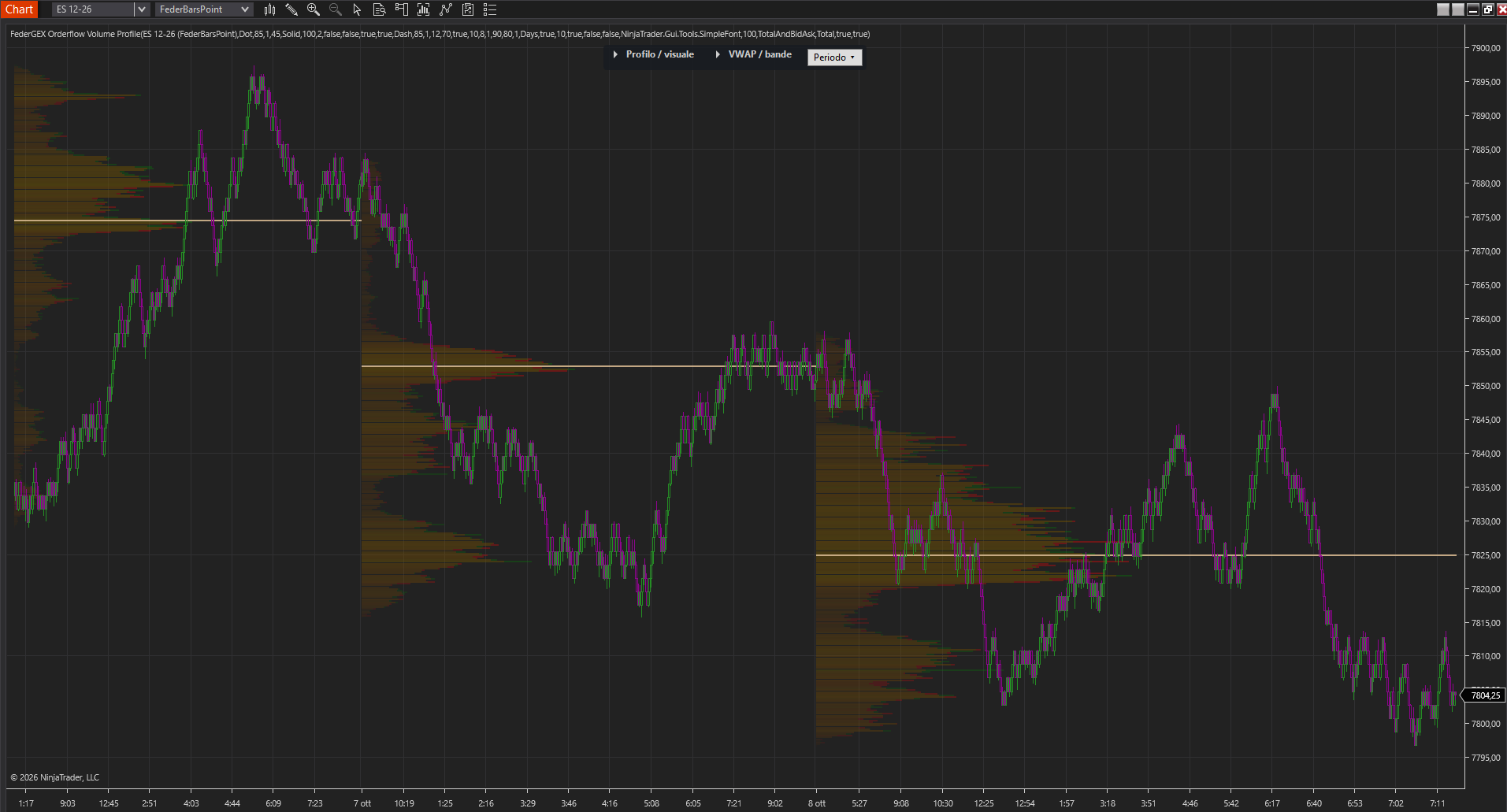
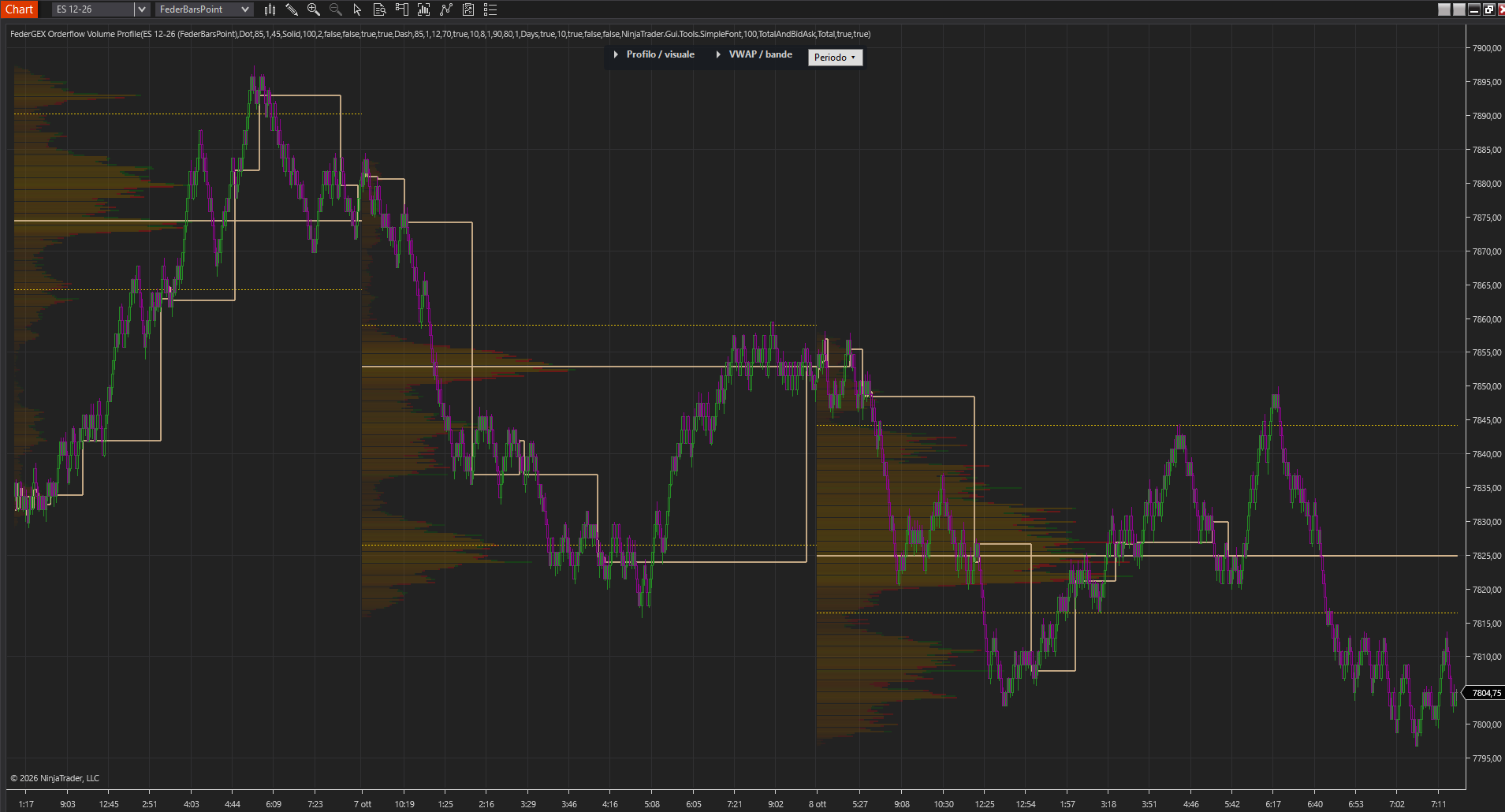
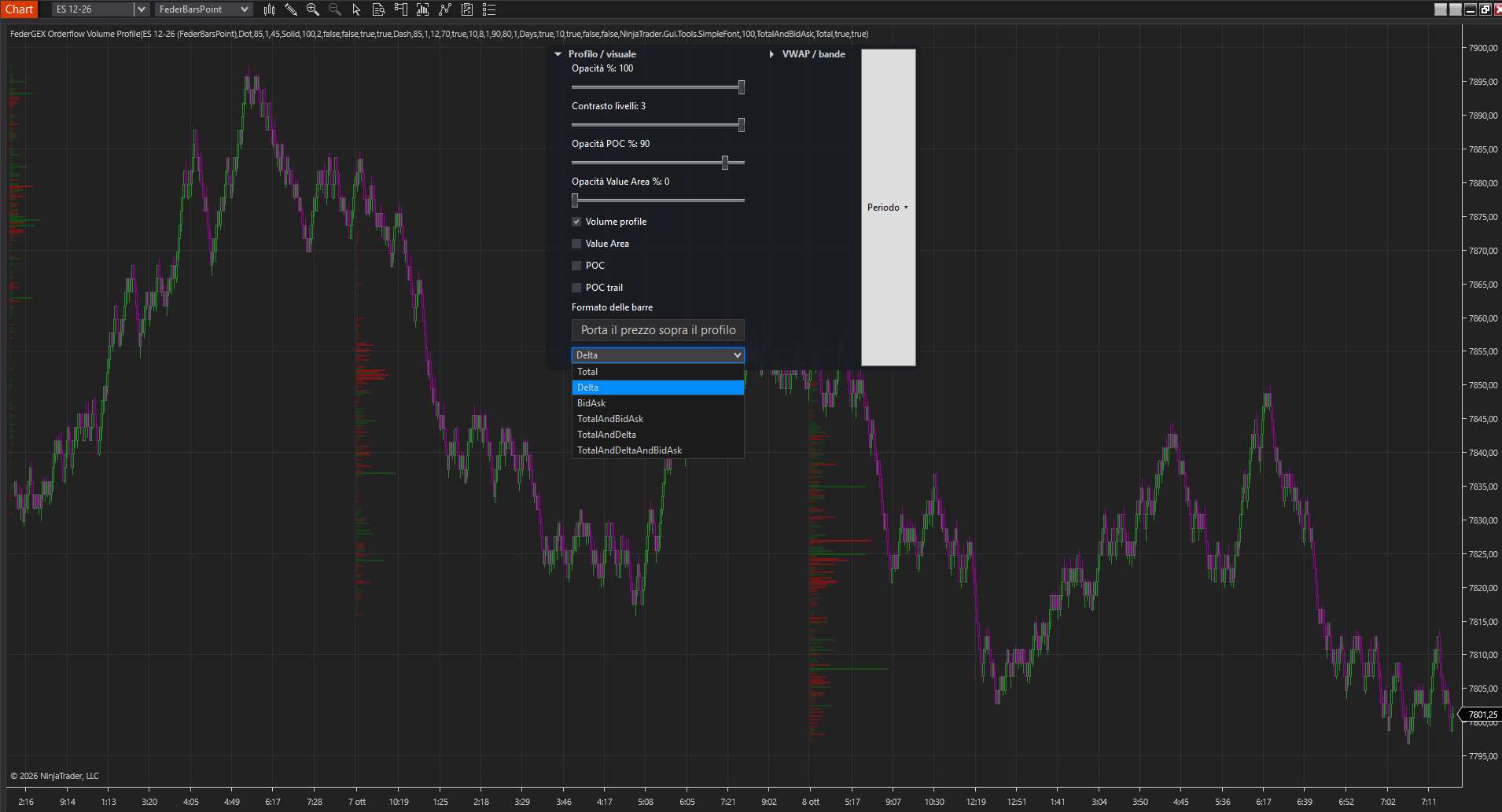
Four ways to read activity on your chart.
Explore each tool and browse its screenshots using the arrows or numbered controls.
Installation & license activation
Install your indicators. Activate your Elite license.
1 · Import the indicator package
Download the latest official indicator package from the reserved FederGEX Elite channel. In NinjaTrader 8, go to Tools → Import → NinjaScript Add-On… and select the downloaded file. Restart NinjaTrader if prompted, then add the indicator to your chart.
2 · Retrieve your personal key
Sign in to your FederGEX Personal Area and copy your personal API/license key. It is linked to your account and requires an active Elite plan. Keep it private and do not share it.
3 · Validate and start
Open the indicator settings, paste your personal key into its license/API key field, and apply the settings. The indicator uses the key to validate your Elite access. A valid key, active Elite entitlement and internet connection are required for validation and operation.
Need help with installation or activation? Contact official FederGEX support ↗